
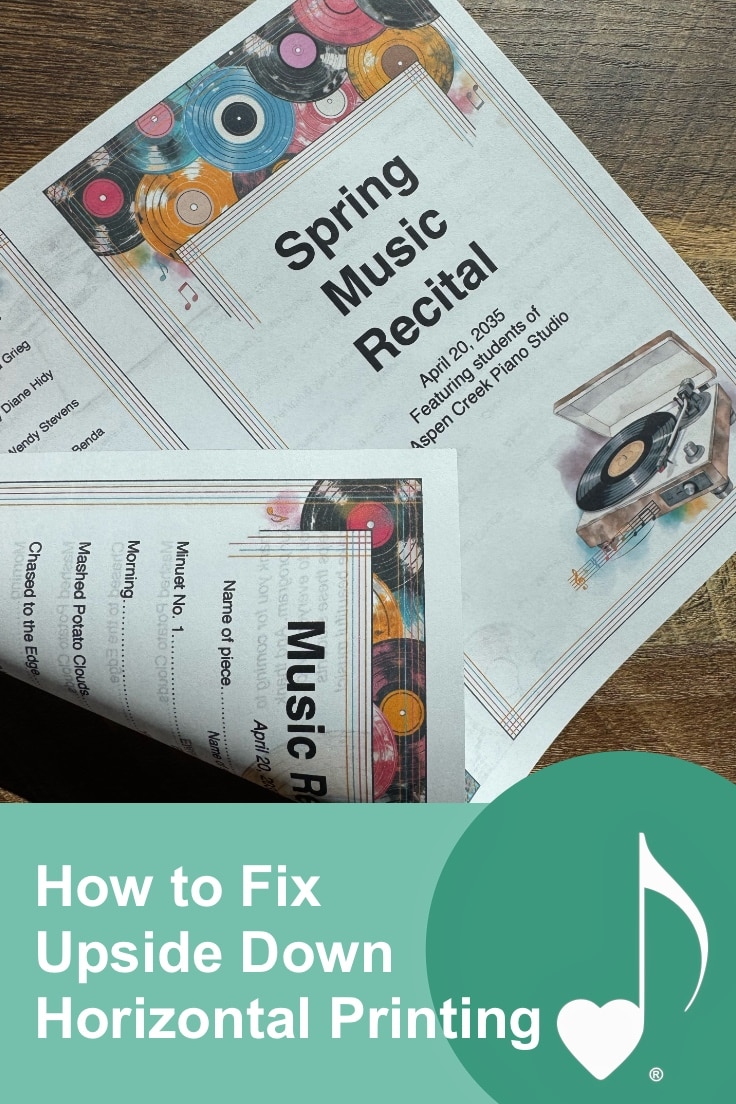
Has anyone else gone to print out their exciting new ComposeCreate® Music Achievement Cards, a horizontal recital program, or flashcards, only to realize that the back side of the page comes out upside down? I can’t be the only one!
After several attempts to print resulting in upside down pages, I hate to admit that this particular “printer fail” derails my motivation to use my fun new teaching tools for way too long.
Wendy, being the tech-savvy person she is, has a solution for how to fix upside down printing. And it all depends on whether your printer decides to print the pages on the short or the long side of the page. Sounds confusing, I know, but if your printer does indeed have “duplex” printing, then it’s a very simple and quick fix, I promise!
You’ll be able to ask your printer to do the flipping now instead of having to turn it over (and guess which way to turn it) yourself! You’ll be able to confidently print our: Easter Egg flashcards, games, Music Achievement Cards, horizontal recital programs, and more.
Step-by-step how to fix upside down printing:
- Once you are in your document, click File in the upper left hand corner.
- Click Print. Your printer dialog box will pop up.
- If your printer does indeed have “duplex” or double sided printer, there will be an option to “Flip on Short Edge”. Choose this option!
NOTE: The default for printers is to flip on the long edge which works perfectly for vertical printing. Printing front and back on horizontal pages requires flipping it on the short edge.
What duplex printing settings for horizontal pages should look like:
Here’s how the settings typically looks in Adobe Reader:
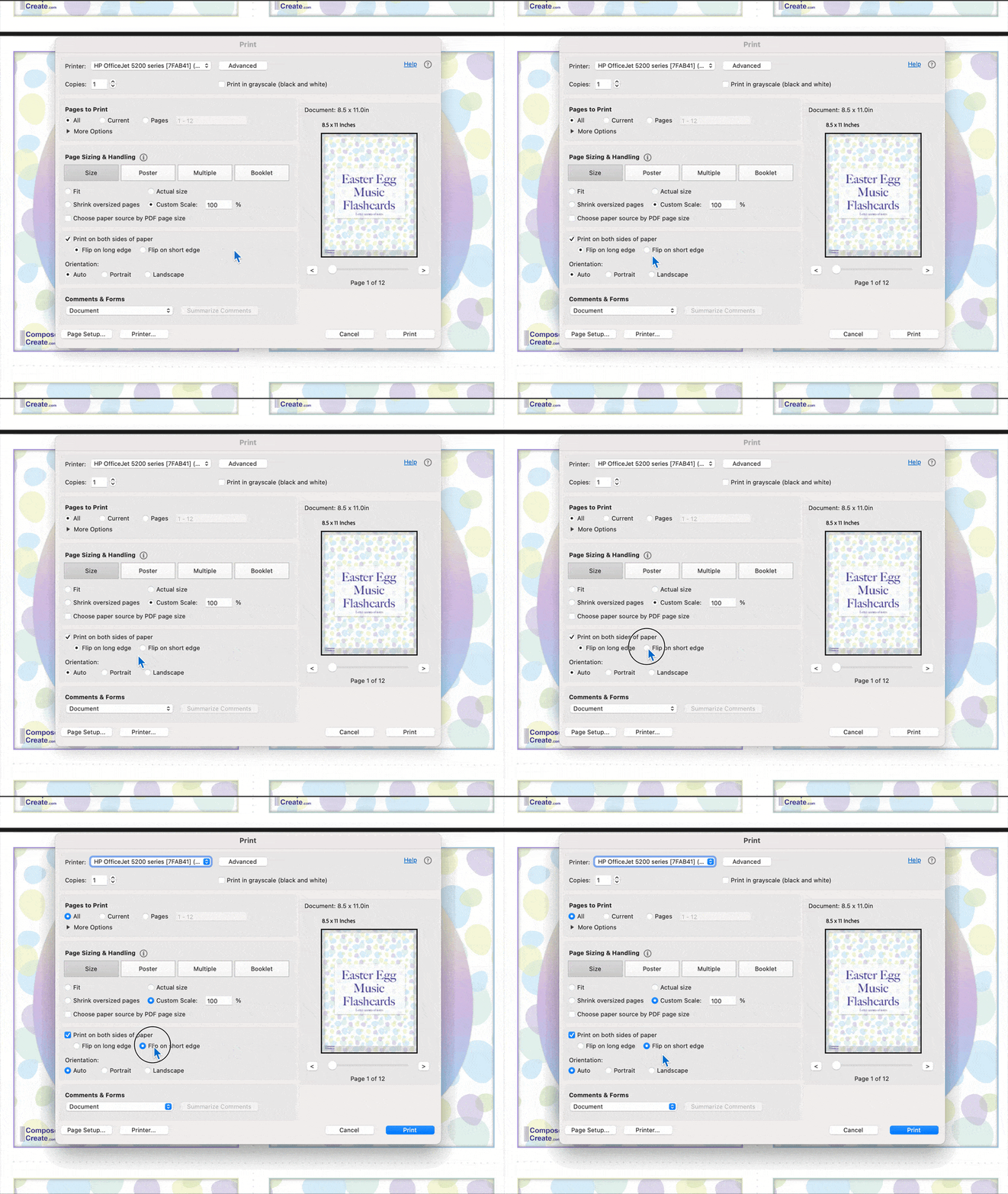
And here’s what it looks like on a Mac computer in Preview:

That’s how to fix upside down printing! Every printer and program’s printer dialogue box is slightly different, so if you know your printer prints front/back (called “duplex” printing), and you don’t see the “print on short edge” option, keep looking! Also remember that this simple fix is only for printers that can perform double-sided printing. If your printer can’t perform double-sided printing, you can get the same result by manually flipping the paper according to your printer’s directions.
Try it out! Did it work for you? Let us know in the comments!
