
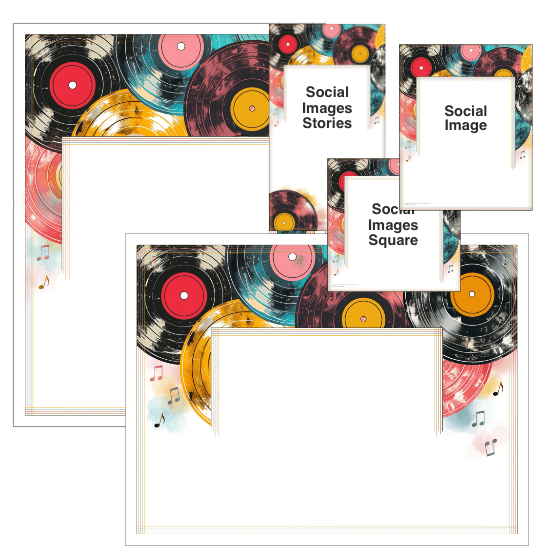
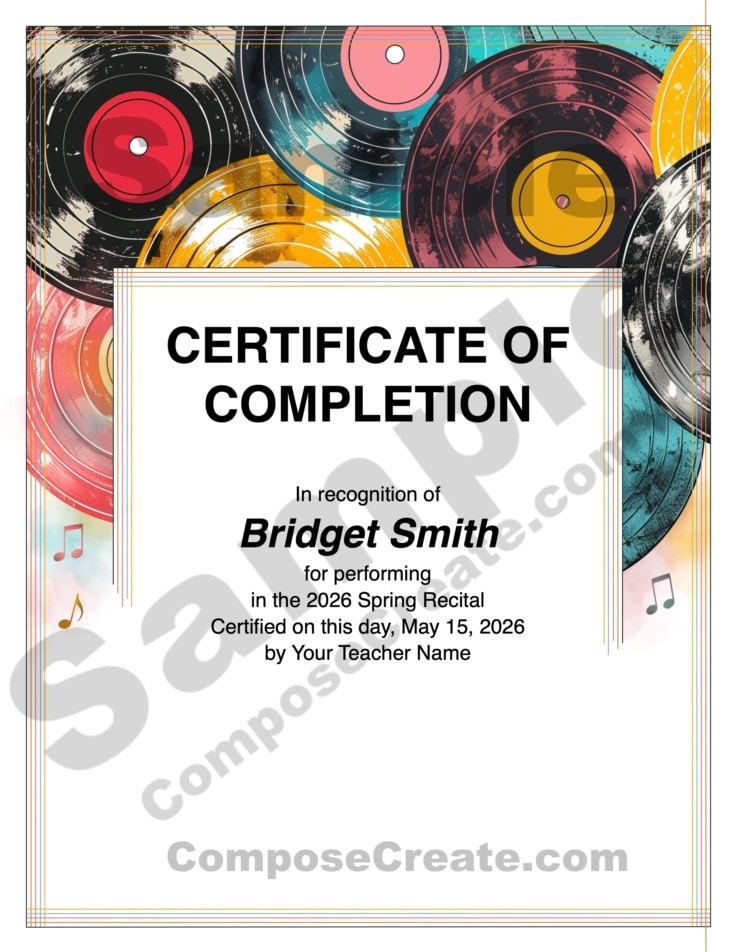
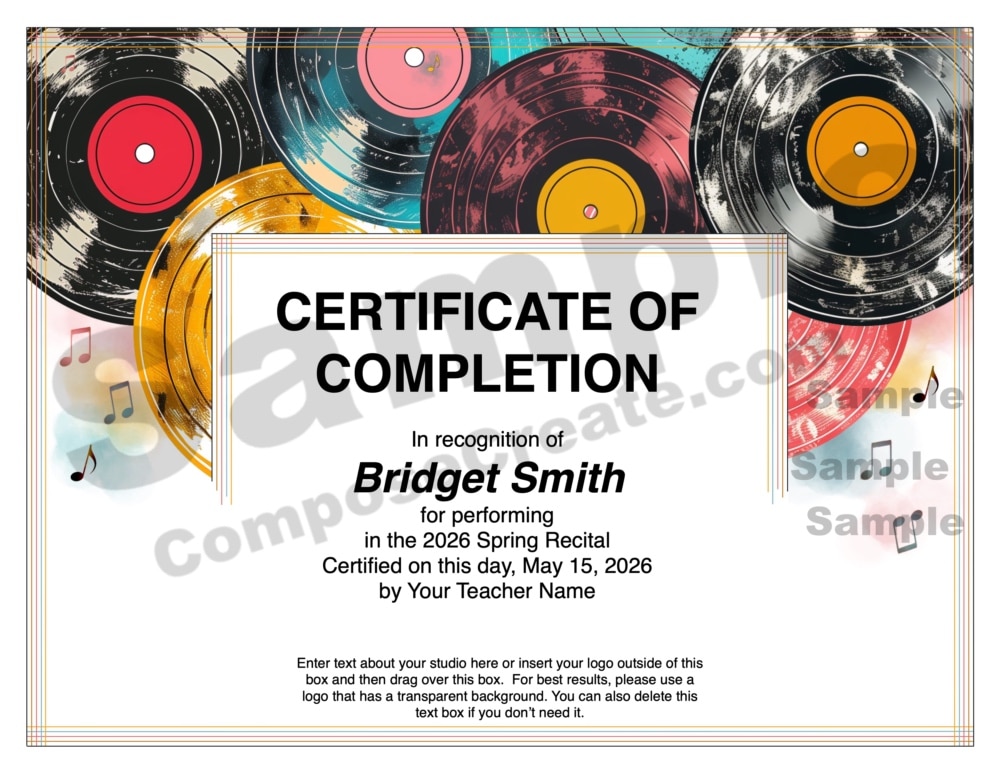
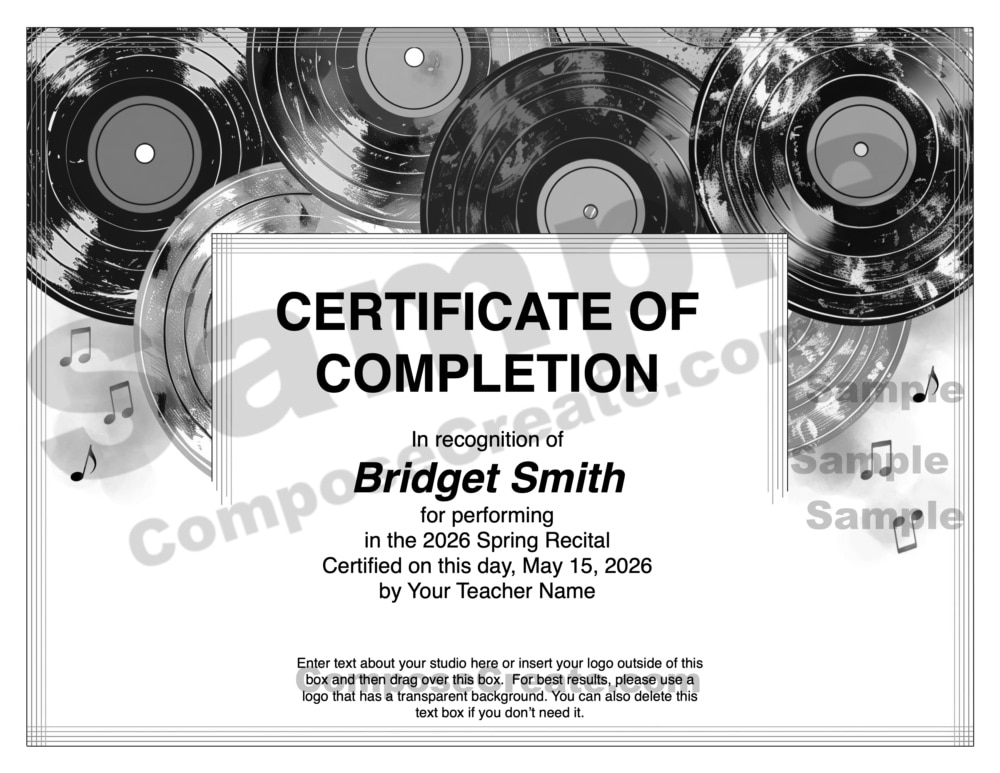
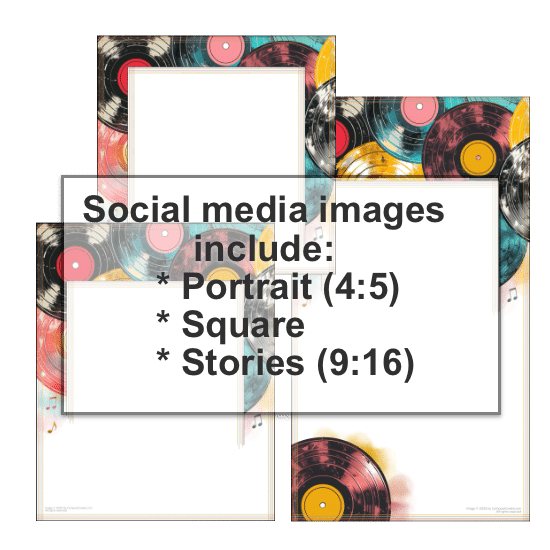
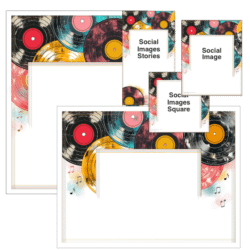
- Includes: Vertical certificate, Horizontal certificate, 3 sizes of social media images (1:1, 4:5, 9:16)
- Pages: 11 files (4 PDFs, 2 Word docs, 2 Pages docs, 3 jpgs)
- Format: PDF files, Word files, Pages, JPG files all included
- Features: The certificate text boxes are editable. Text box sizes are editable in the Word and Pages files. The designs come in a color version, plus a black and white version.
The Vintage Vinyl Certificates + Social Media Images pair perfectly with the Vintage Vinyl Editable Recital Program and will captivate your students and their families with the happy design evocative of joy and good memories! Each certificate and the social media images are filled with groovy albums and turntables (which are popular again, by the way)! A black & white version of the certificates is included, too.
Certificates have been a staple in the teaching community for many years, but they are usually quite boring and uninspirational. However, these musical certificates will capture the interest and attention of all who receive them! Not only will they boost your students’ sense of achievement, but they can spark meaningful conversations with older family and community members, and maybe even an interest in buying and listening to music.
This template package can be used for:
- Recital Certificates – Give them to all students participating in your recital
- Certificate of Excellence – Praise those students who have shown excellence in their development
- Commendation Awards – For specific students
- Participation Awards
- Achievement Awards during the year
What is editable about the Vintage Vinyl Certificates?
We want these Vintage Vinyl Certificates to fit whatever context you need. So all of the text in the text box is editable! For example:
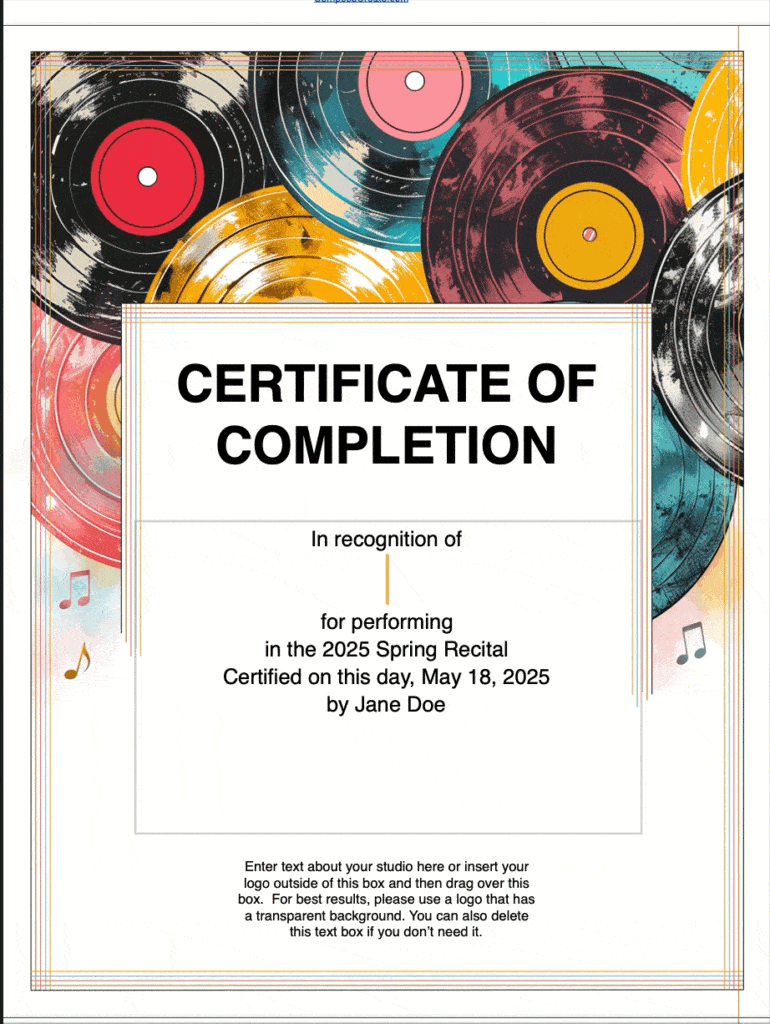
If using the PDF file:
- All text can be edited!
If using the Word (.docx file for Word users) or Pages (.pages file for Mac users):
- All text in the box can be edited!
- All text sizes can be edited.
- The size of the text boxes can be changed.
- Any part of the text box (like border, size, opacity) can be changed as long as you know how to change those within the program.
- Your logo can be inserted at the bottom or anywhere!
- Delete or add more text boxes if needed.
Can I insert my logo?
Absolutely! You will not find the ComposeCreate® logo on the Vintage Vinyl Certificates because we want you to insert your own! If you wish to insert your logo, you’ll need to use the Word files or the Pages files. The PDF file will not allow you to insert a logo.
The social media images do contain our copyright (but not our logo) in a light, barely noticeable way which must be kept on the image. But you can still put your logo on the image using your favorite photo editing app.
What is included in the Vintage Vinyl Certificates?
We have included a number of files to make these usable for everyone. Instructions on how to edit each one are included on the first page of each file:
- Word file for vertical certificate (PC users)
- Pages file for vertical certificate (Mac users)
- PDF files for vertical certificate (all computers)
- Word file for horizontal certificate (PC users)
- Pages file for horizontal certificate (Mac users)
- PDF files for horizontal certificate (all computers)
- Three social media images: Portrait (4:5), Square, Stories (9:16)
How do I make a LOT of these for all my students?
There are two ways to make multiple Vintage Vinyl Certificates. If you use the PDF file, then we already have 10 certificates ready to go. Just type in your studio info (which populates all the certificates) and then type in the 10 individual students’ names. You can make a copy of the file and change the names if you need more certificates.
If you are using the Word or Pages files, you can duplicate the page and make as many as you need – instructions are included in the file.
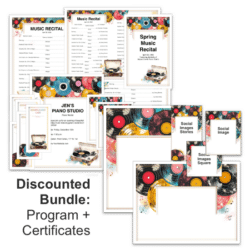
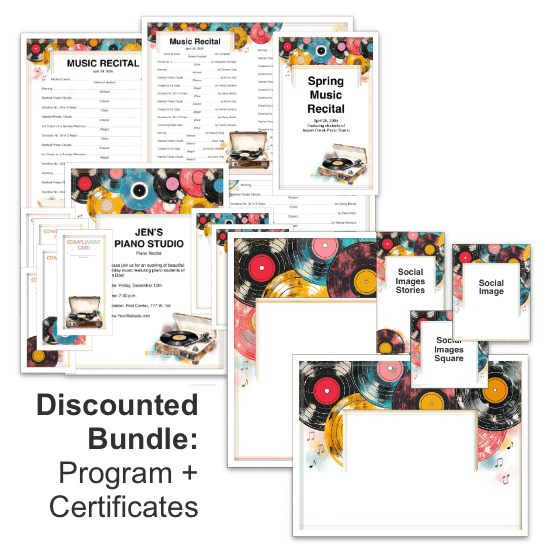 The Discounted Bundle Includes the Vintage Vinyl Program Templates!
Your certificates will pair perfectly with the vibrant Vintage Vinyl program template! Or, choose the discounted bundle to get both!
Judy –
This year, for my studio’s Fall Recital, I chose the Vintage Vinyl bundle. We had two recitals, back-to-back, on Sunday afternoon in mid-November. I exclusively use the templates from ComposeCreate to bring a visual spark of creativity to the programs, the announcements, and of course, the Compliment Cards. My students look forward to seeing the programs, and just how soon or how late on the program their names fall. It is a given that there will be Compliment Cards at each of our recitals. I started this practice some 5 years ago, and we went from little response to now almost running out of cards! Parents and families see the difference for their students that these cards bring. It truly involves the audience at a new level. The templates are creative and very professional. Early in our recital preparation, I create a spreadsheet for each student’s selection, and their level of playing. When it comes time to prepare the programs, I just refer to my spreadsheet of 40+ students and quickly populate the recital template. So easy, and eliminates missing anyone.